4K Photo Converter
Free AI Image Upscaler · Runs on your device

AI Image Upscaler: upscale any photo to 4K. Privately.

Convert any image to 4K resolution online, free. Drop in a photo and an open-source AI model increases image quality right on your device — no account, no upload, no watermark.

JPG · PNG · WebPAspect ratio preservedNothing ever uploaded

Drop a photo here, click to browse, or paste it

JPG · PNG · WebP — processed on your device

Enlarge Photos

New

Image enlarger: pick a scale and the same on-device AI model enlarges your image 2×, 4×, or 8× — aspect ratio intact, nothing uploaded.

Enlargement factor

Drop a photo here, click to browse, or paste it

JPG · PNG · WebP — processed on your device

Nothing you upload ever leaves this browser tab.

Most "AI upscalers" quietly send your photo to a server before doing anything. This one doesn't need to — the neural network runs on your own GPU via WebGL, using TensorFlow.js and an open-source ESRGAN model. Open your browser's network tab and watch: no request ever fires for your image.

0Photos uploaded to a server
4×Resolution per AI pass
100%Processing on your device
MITLicensed open-source model
How it works

How to upscale an image to 4K in four steps

01

Drop in a photo

Drag & drop, click to browse, or paste an image straight from your clipboard. JPG, PNG, and WebP all work.

02

The AI enhances it locally

An open-source super-resolution model runs in your browser via WebGL, reconstructing detail your camera or an old file compressed away.

03

Compare before & after

Drag the slider to see exactly what changed, at full resolution, before you commit to anything.

04

Download your 4K photo

Save the result straight from your browser. No watermark, no account, no waiting in a processing queue.

Examples

Before & after: real AI image upscaler results

These aren't mockups — each pair below was produced by running the exact model that runs in your browser. Drag any slider to compare.

Nature scene photo before upscaling, low resolution
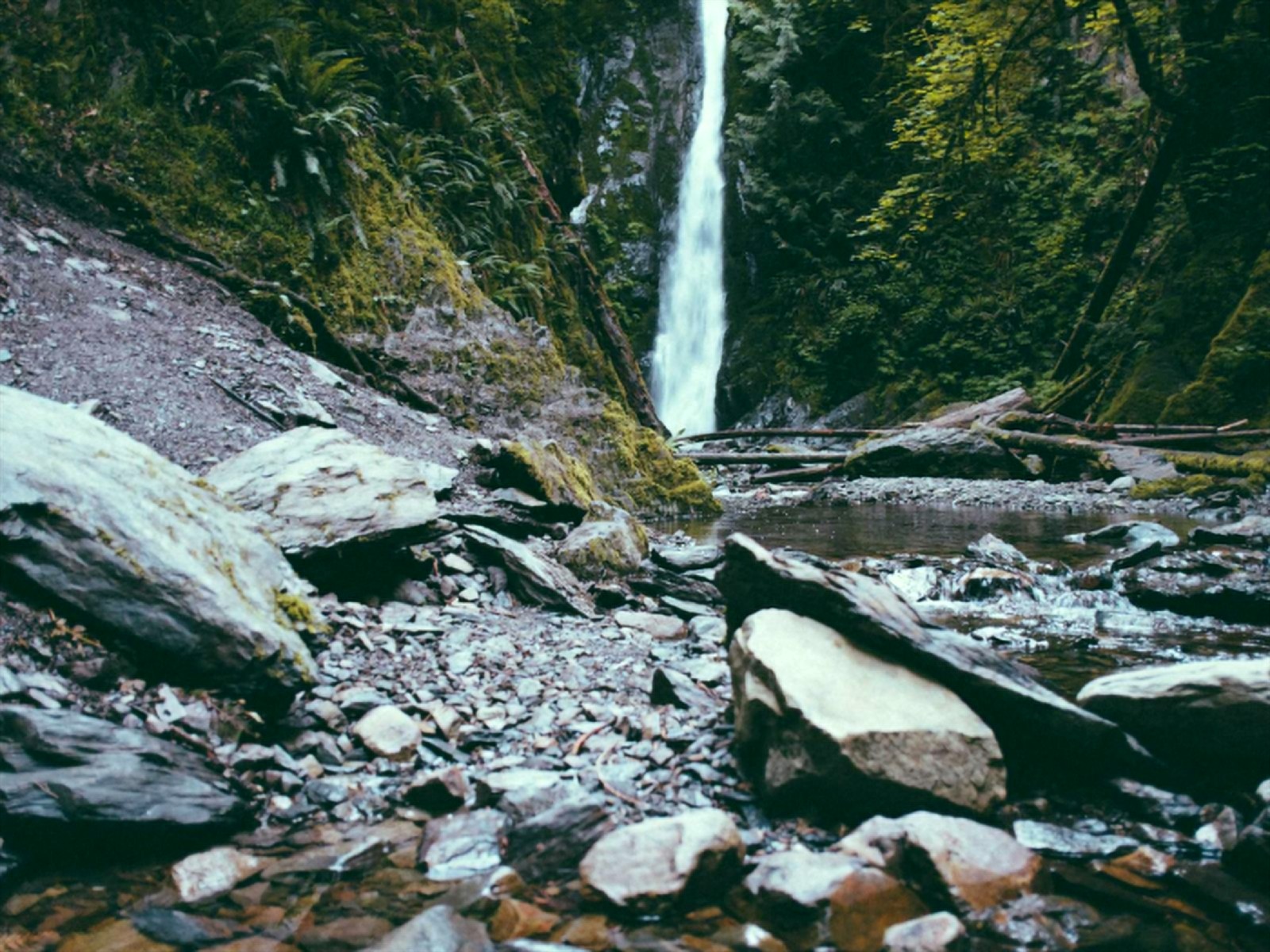
Nature scene photo after AI image upscaler, enhanced to 4K
BeforeAfter · 4K
Nature scene
Cityscape photo before upscaling, low resolution
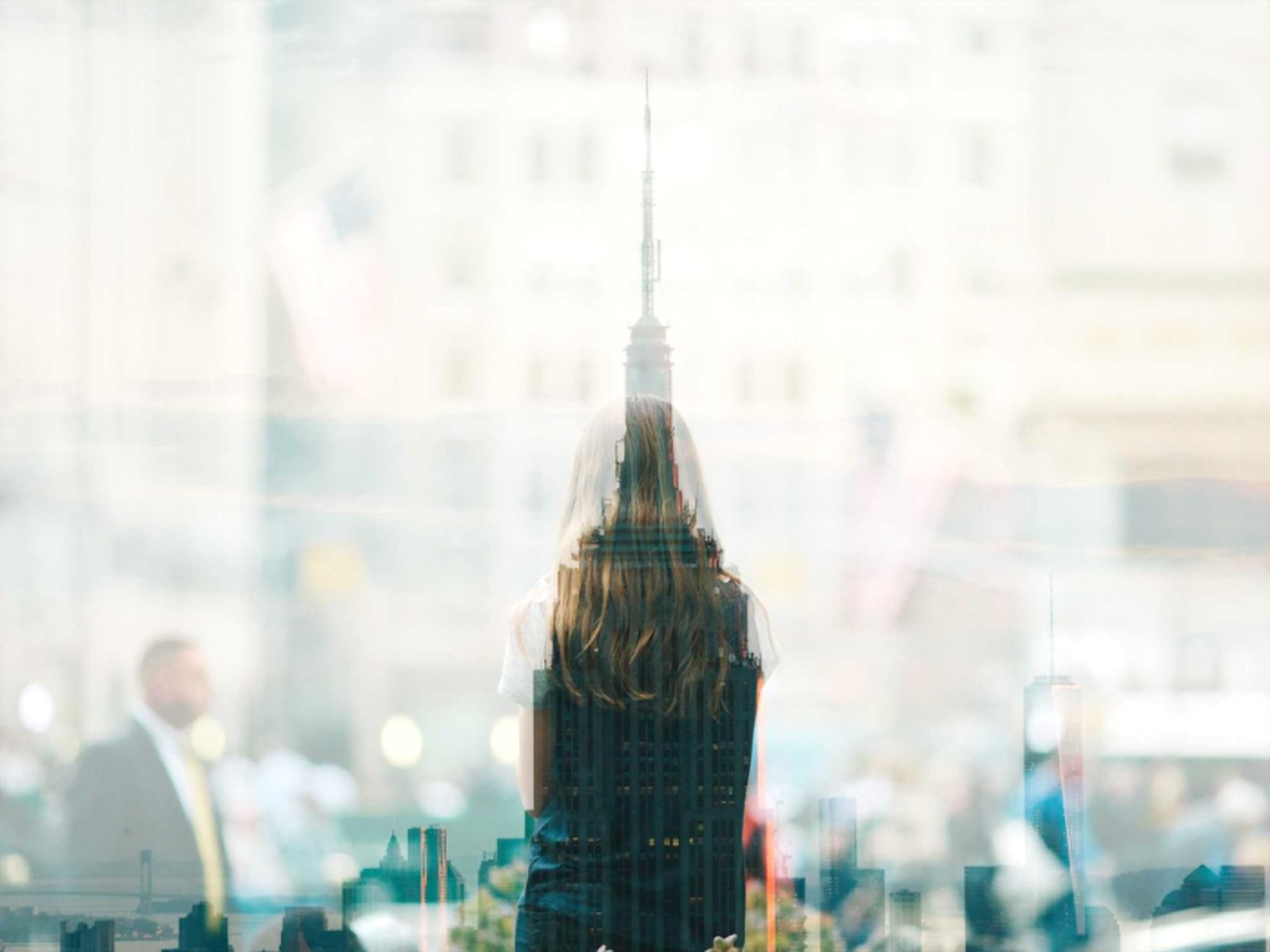
Cityscape photo after AI image upscaler, enhanced to 4K
BeforeAfter · 4K
Cityscape
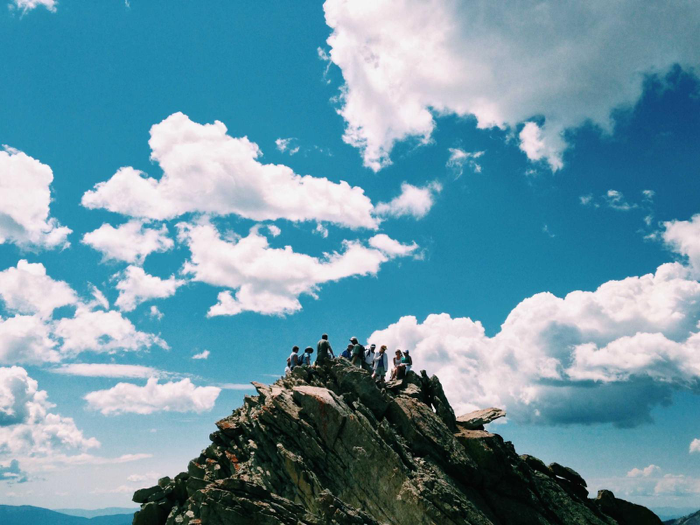
Mountain landscape photo before upscaling, low resolution
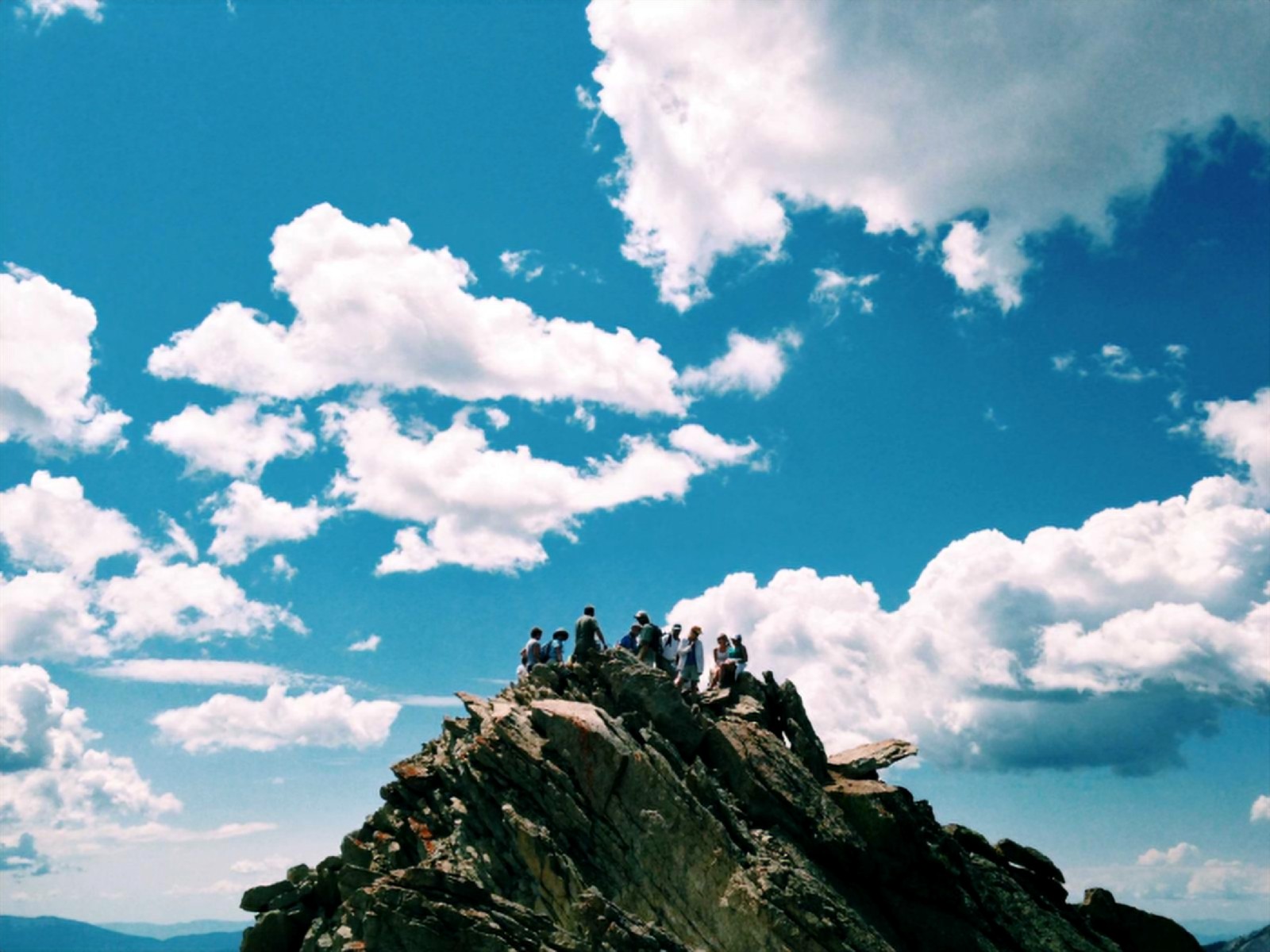
Mountain landscape photo after AI image upscaler, enhanced to 4K
BeforeAfter · 4K
Mountain landscape
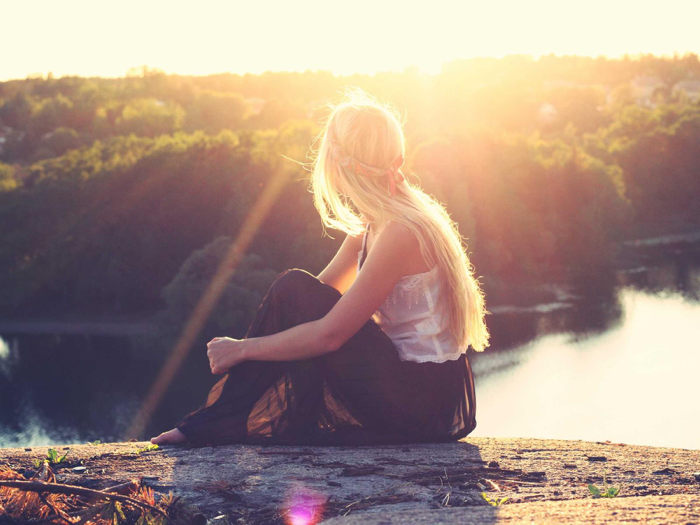
Golden hour photo before upscaling, low resolution
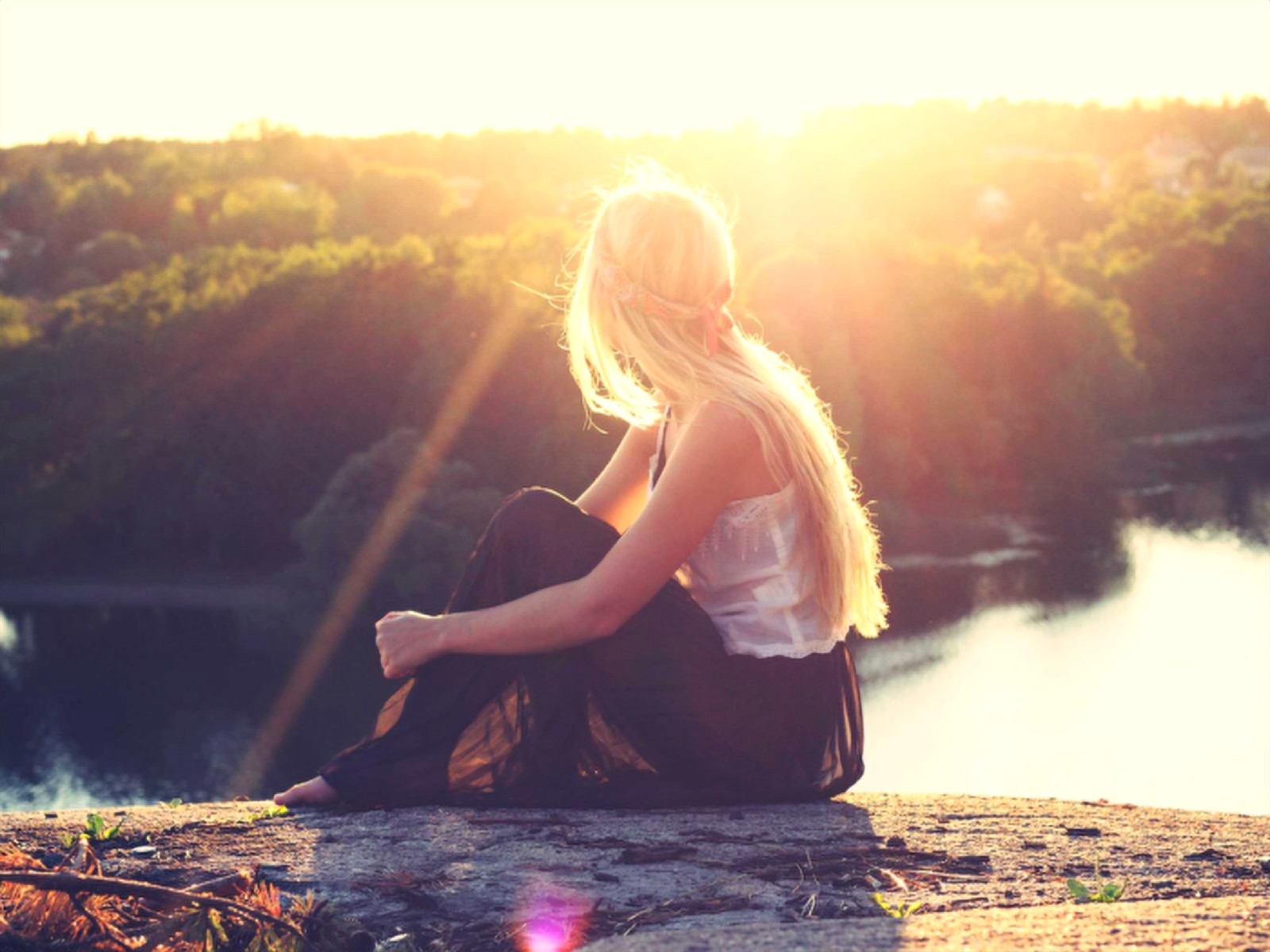
Golden hour photo after AI image upscaler, enhanced to 4K
BeforeAfter · 4K
Golden hour
Why not a cloud upscaler?

Free image upscaler vs. typical cloud upscalers

Most online upscalers — including the big multi-tool photo editors — process your image on their servers, which means it has to be uploaded first. Here's the practical difference.

Feature4K Photo ConverterTypical cloud upscaler
Your photo leaves your deviceNeverUploaded to their servers
Account requiredNoUsually, for full resolution
Watermark on outputNeverOften, on free plans
Processing queueNone — runs instantlyShared server capacity
Underlying modelOpen-source, inspectableClosed, proprietary
CostFree, unlimitedFree tier limits, paid plans
About the tool

A free AI image upscaler that runs on your device

4K Photo Converter is a free image upscaler built for one job: taking a small, soft or low-resolution photo and turning it into a sharp, high-resolution image you can actually use. Drop in a JPG, PNG or WebP file and an AI image upscaler reconstructs the missing detail, then outputs a clean 4K version with the original aspect ratio preserved. There's no sign-up, no watermark and no daily limit — and, unlike almost every other online tool, your photo never leaves your browser.

Whether you need to upscale an image for a print, a wallpaper, a product listing or a presentation, the goal is the same: increase image quality without the blur and blocky edges you get from a basic resize. This page explains how the tool works, what it's good at, and how to get the best results.

What is an image upscaler?

An image upscaler increases the pixel dimensions of a picture — for example, turning a 960 × 540 image into a 3840 × 2160 one. Traditional software does this with interpolation methods such as bilinear or bicubic resizing, which simply guess each new pixel by averaging its neighbours. That makes the image bigger, but not better: edges go soft, textures smear, and compression artifacts get magnified.

An AI image upscaler works differently. It uses a neural network that has learned, from thousands of pairs of low- and high-resolution photos, what real detail tends to look like. When it enlarges your image it doesn't just stretch pixels — it predicts and redraws plausible edges, hair, foliage, fabric and text. The result is an image that looks as if it had been captured at a higher resolution in the first place.

How our 4K image upscaler works

Under the hood, 4K Photo Converter runs an open-source ESRGAN super-resolution model (MIT licensed) through TensorFlow.js. The first time you visit, the model downloads to your browser once. From then on, every image is processed locally on your own graphics card via WebGL. Each AI pass enlarges the image 4×, and the tool chains passes and resamples as needed to land exactly on a 3840-pixel long edge — the width of a 4K UHD display.

Because nothing is sent to a server, there's no upload wait, no processing queue and no cloud GPU to pay for. That's what lets this 4K image upscaler stay genuinely free, and it's why it keeps working even if you go offline after the page loads.

Convert image to 4K resolution online free — in three steps

  1. Add your photo. Drag and drop it onto the upload box, click to browse, or paste it straight from your clipboard.
  2. Let the AI enhance it. The model reconstructs detail and scales the image to 4K. A progress bar shows how far along it is.
  3. Compare and download. Drag the before/after slider to inspect the result, then save the 4K image as a lossless PNG.

That's the whole process. As a 4K photo converter, it's designed to take seconds on a typical laptop or phone, with no account, email address or credit card involved at any point.

Image enlarge: scale photos 2×, 4× or 8×

Sometimes you don't need exactly 4K — you need an image that's a specific amount bigger. The built-inEnlarge Photos tool lets you enlarge an image 2×, 4× or 8× its original size using the same on-device AI model. A 500-pixel thumbnail becomes a 4000-pixel image while staying crisp, so you can crop, print or reuse it without visible pixelation.

An image quality enhancer that respects your privacy

Most online upscalers ask you to upload your picture to their servers before they do anything. For holiday snaps that might not matter, but for personal photos, client work, ID documents or unreleased product shots it's a real concern. This image quality enhancer takes the opposite approach: all processing happens inside your browser tab. You can open your browser's developer tools and watch the network panel — no request is ever made containing your image.

Why use this image upscaler free of charge?

  • Truly free and unlimited — no credits, no paid tier gating 4K output.
  • No watermark — the image you download is yours, untouched.
  • Private by design — photos are processed locally and never uploaded.
  • Real AI, not a filter — an ESRGAN super-resolution network reconstructs detail.
  • Aspect ratio preserved — landscape, portrait and square images all stay in proportion.
  • Works everywhere — any modern browser with WebGL2 on desktop or mobile.

What you can do with an AI image upscaler

Old and scanned photos

Bring low-resolution family photos and scans up to a size you can reprint or view full-screen on a modern display.

Wallpapers and 4K screens

Convert an image to 4K resolution so it fills a 4K monitor or TV edge to edge instead of looking soft and stretched.

Product and marketplace images

Upscale small supplier photos into crisp, zoomable product shots for online stores, listings and catalogues.

Social media and print

Enlarge a cropped image for posters, thumbnails, presentations or prints without the blocky edges of a basic resize.

Tips to get the best results when you upscale an image

  • Start from the best source you have. The original file from your camera or phone will always upscale better than a screenshot or a copy that has been re-shared and recompressed several times.
  • Prefer PNG or high-quality JPG. Heavy JPEG compression creates blocky artifacts that any upscaler will partly enlarge along with the real detail.
  • Crop before you upscale. If you only need part of the picture, crop it first so the AI spends its effort on the area that matters.
  • Check with the slider. Use the before/after comparison to zoom into faces, text and edges before downloading.

Ready to try it? Upload a photo and see how much sharper it looks in 4K — free, private, and done in seconds.

FAQ

Image upscaler FAQ

4K & image upscaling explained

What does a 4K converter do?

A 4K converter takes a lower-resolution photo and increases its pixel dimensions to 4K — roughly 3840 pixels on the long edge. A good one uses AI upscaling rather than simple stretching, so the extra pixels are filled with reconstructed edges and texture instead of blur. This converter does it right in your browser and keeps your original aspect ratio.

What is 4K in photos?

4K refers to an image that is about 4,000 pixels wide. The most common standard, 4K UHD, is 3840 × 2160 pixels — around 8.3 megapixels. For photos with other aspect ratios (portrait, square, 4:3), "4K" usually means the long edge is 3840 pixels, which is exactly what this tool targets.

Does 4K mean good quality?

Not by itself. 4K describes how many pixels an image has, not how sharp or clean those pixels are — a blurry, noisy or heavily compressed photo stretched to 4K is still blurry, just bigger. Real quality also depends on focus, lighting, noise and compression. That's why AI upscaling matters: it adds detail as it adds pixels, instead of only enlarging what's already there.

What is an image upscaler?

An image upscaler is a tool that increases the resolution of a picture — its width and height in pixels. Traditional upscalers use interpolation (such as bicubic resizing), which averages neighbouring pixels and tends to look soft. AI image upscalers use neural networks trained on pairs of low- and high-resolution images to predict realistic detail, producing a noticeably sharper result.

What does an image upscaler do?

It adds new pixels to an image so it can be printed larger, shown on high-resolution screens, or cropped without looking pixelated. An AI image upscaler also sharpens edges, rebuilds fine texture and reduces blockiness from compression while it enlarges — turning a small or low-quality photo into a bigger, cleaner one.

What is a good image upscaler?

A good image upscaler uses an AI super-resolution model (not just bicubic resizing), preserves your aspect ratio, exports without a watermark, and lets you compare before and after. It should also respect your privacy: this upscaler runs the ESRGAN model entirely on your device, so your photos are never uploaded, and it is free with no sign-up.

What is the best image upscaler?

The best image upscaler depends on what you need. For quick, free, private upscaling to 4K, a browser-based AI upscaler like this one is hard to beat — no account, no watermark, no uploads. Desktop apps or paid cloud services can offer extra controls such as face restoration or batch processing. Whatever you choose, look for an AI (ESRGAN-style) model and compare results on your own photos.

How to enhance image quality?

Start with the highest-quality original you have, then run it through an AI image upscaler to increase resolution and sharpen detail. After upscaling you can fine-tune brightness, contrast and colour in any photo editor. Save the final image as PNG (or high-quality JPG) to avoid adding new compression artifacts.

How can I upscale my photo?

Drop your photo into the upload box at the top of this page, or paste it from your clipboard. The AI upscales it to 4K automatically — or use the Enlarge Photos tool to scale it 2×, 4× or 8×. Compare the result with the before/after slider, then download it as a PNG. It is free and takes only a few seconds.

How can I upscale a normal image to 4K resolution?

Upload any normal JPG, PNG or WebP image to this 4K photo converter. It measures your photo, works out the scale needed to reach a 3840-pixel long edge, and runs an AI super-resolution model to fill in the missing detail. The result keeps your original proportions and is ready to download as a 4K PNG — no software to install.

Is it safe to upscale images?

Yes. Upscaling creates a new, larger copy and never changes your original file. With this tool it is also private: the AI runs locally in your browser, so your photos are never uploaded to a server or stored anywhere. As with any AI enhancement, check fine details such as text or faces before using the result for important work.

Using this 4K photo converter

Is this image upscaler really free?

Yes. There's no server-side processing cost to offset, since your own device does the work — so there's no metered API to pay for and no reason to gate resolution or quantity behind a plan. No account, no watermark, no daily limit.

Is my photo really never uploaded anywhere?

Correct. The AI model downloads once to your browser, then every photo you process runs through it locally using your device's GPU (via WebGL). You can disconnect from the internet after the page loads and it still works. Open your browser's network tab while converting a photo to verify it yourself — no request will fire for your image.

How do I convert an image to 4K resolution online for free?

Drop your photo into the upload box at the top of this page (or paste it from your clipboard). The AI image upscaler enhances it to a 3840px long edge, shows you a before/after slider, and lets you download the 4K result as a PNG — all in a few seconds, without signing up.

Can an AI image upscaler really increase image quality?

It can't recover information that was never captured, but it does far more than stretching pixels. The ESRGAN model was trained on thousands of high/low resolution image pairs, so it reconstructs plausible edges, textures and fine detail — giving you a sharper, cleaner result than traditional bicubic resizing.

What image formats are supported?

JPG, PNG, and WebP as input. The 4K result downloads as a PNG to preserve the AI-enhanced detail without further compression artifacts.

Is there a file size or dimension limit?

There's no plan or paywall limit — only what a web browser can physically handle. Browsers cap a single image at roughly 268 megapixels (and 32,767 pixels on a side), so very large enlargements, such as 8× on a photo larger than about 4 megapixels, won't fit. If that happens you'll see a message suggesting a smaller enlargement factor instead of a failed download. Very large photos or older/low-power devices may also simply take longer to process.

Can I enlarge an image by a fixed amount instead of to 4K?

Yes. Use the Enlarge Photos tool to scale an image 2×, 4×, or 8× its original size. It uses the same on-device AI model, so enlarged images stay sharp instead of turning blurry or blocky.

What AI model is this using?

An open-source ESRGAN-family super-resolution model (MIT licensed, via UpscalerJS and TensorFlow.js), trained on the DIV2K dataset — the same family of model behind most modern AI upscaling tools, just running on your device instead of a rented GPU in someone else’s data center.

Which browsers are supported?

Any modern browser with WebGL2: current Chrome, Firefox, Safari (16.4+), and Edge. On unsupported or older browsers you’ll see a clear message instead of a silent failure.

Ready when you are.

No account, no upload, no catch. Upscale an image and see it in 4K in seconds — free.

Upscale a photo